


Beginnings
I began experimenting with coding agents in March 2025, around the time Cursor entered the scene and became popular. Despite being in management for the last nine years of my career, I always found time to stay technical. Cursor being built on top of VSCode made it a natural introduction.
So, I began experimenting with Cursor and its $20 plan (and what a generous plan it was back then). A few things stood out to me.
The agent tab — you have a conversation about what you want to build in the side panel and the agent does it—was a game changer relative to the autocomplete tools that had come before.
The integrated code review — Cursor tied agent authored code to a hunk-based review, making it straightforward to validate the agent’s output and accept or reject it via a local code review workflow.
I got into a groove with Cursor and really start to build. But I soon found myself opening multiple Agent tabs in one workspace to parallelize work. This is where the interface inside the IDE began to be troublesome: all of this concurrent work happened on a single checkout.
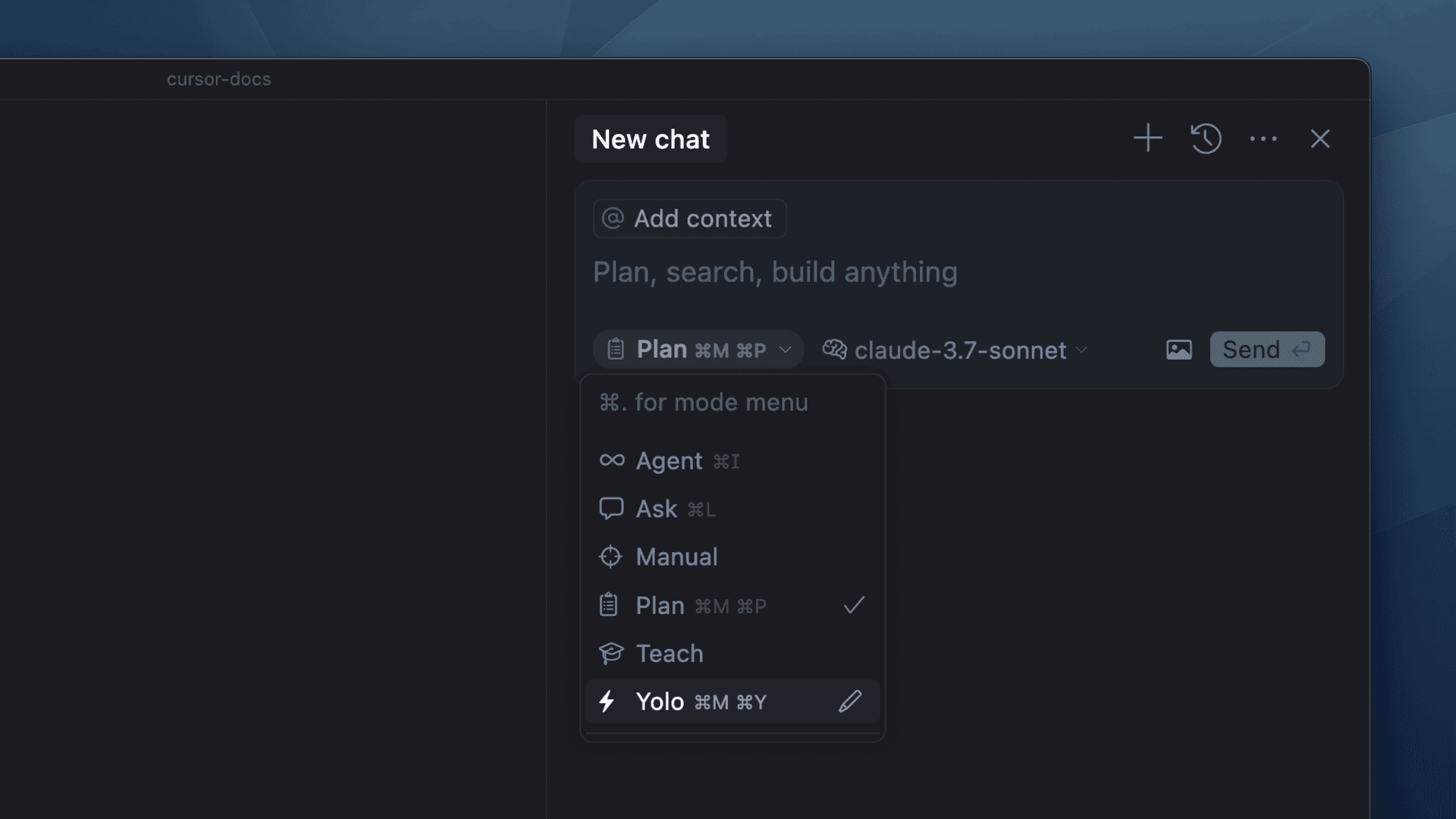
The arrival of Claude Code became a much more natural experience for me. I grew up programming in the terminal—first with Emacs and later Vim/Neovim—so having a TUI that could sit next to all my other terminal apps felt natural. It also made it easier to scale up code production: I could just cd into a new directory and launch a new Claude instance there. Of course, this was always possible with Cursor, but it didn’t feel as natural.
I began running multiple Claude Code instances and doing work in parallel. My screen filled with terminals overlapping terminals. I switched to using Mac’s built-in virtual desktop feature. I moved different threads of work to different screens, but the keyboard navigation sucked, so I needed another solution. Around this time, I experimented with programmable, split, columnar keyboards. I don’t remember exactly why—I think I needed a new hobby or something. I bought a ZSA Moonlander (I later changed to the ZSA Voyager, which remains my favorite keyboard) and started messing with custom keybindings and macros for Neovim. I then discovered the beautiful world of home-row mods.
There must be a better way to manage all these damn windows!
I used window managers in the past, but it had been a while, so I started researching modern options for the Mac and discovered AeroSpace and the broader world of i3-style tiling window managers. This was the system I was looking for. I could customize keybindings and map different workspaces to different keys using mnemonics. Chrome would go to workspace c; all my coding workspaces would go to 1 through 9. My home-row mods made managing all of this very easy. I could now switch context and jump between different threads of work with ease, never taking my hands off the keyboard.
AeroSpace’s workspace flyout, followed by Alt+number shortcuts between terminal windows. The flyout is enlarged and slowed to half spee; the window switching is real time.
As I scaled code production, I experimented with different ways to keep up with the agent and check its work. I really fell in love with Cursor’s hunk-based local code review, so this was the system I leaned into optimizing as I scaled up concurrent agents.
With Claude Code moving the agent to the terminal, I built out my Neovim config, planning to use it to replace Cursor’s built-in code review. I found Neogit to be the best fit for a review plugin and added some custom keybindings for reviewing and staging hunks in the editor. For a long time, my workflow was to have the agent write the code, review the hunks in Neogit, stage the ones I accepted, and then iterate with the agent on the ones that remained.
This worked well for getting quality code out of the agent with quick reviews, but of course, it didn’t scale as the number of agents increased. It became more difficult to contextualize the hunks or deal with changesets that were 1,000s of lines long. To help with this, I created a TUI review system called Filament (open sourcing soon), which implemented a much more opinionated form of review. Filament uses Treesitter to understand the semantic layout of your code, then overlays the diff hunks on top of the AST produced by Treesitter. You iterate through the hunks in a top-down, caller-to-callee fashion, using keyboard shortcuts to move through and annotate your code. It produces a review document you feed back to the agent for another iteration.
Navigating a real changeset in Filament. The overlay shows the keys I’m pressing.
Going All-In on AI
After Claude Code came out, time became blurry. I became addicted to this new way of building—likely my own version of AI psychosis—but I also realized that it was going to change everything about the industry. I needed to frontrun these changes. I transitioned roles at work, moving from an org lead back to an IC. Then, I decided to leave and cofound ArchAstro. I felt that the only way to really learn how to use these tools effectively, and to modernize myself, was to go all in. So I did.
With this system, and with the imperative to build fast and big with a lean startup team, I ramped up the number of agents and sessions. At some point, I added coding workspaces q, then w, then e. I used workspace m for main. For projects unrelated to my primary work, I used other bindings like p for projects. On each workspace, I ran two or three terminal instances: one for my agent, another for Neovim, and a third for general command-line work.
I worked this way for a while, and my productivity rose. But soon, I found myself needing more than 12 agents, and that’s when I got into trouble. I spent my time scanning through all the workspaces, looking to see what was blocked on me. I started forgetting what was on worktree 1 or 2 or 3.
In my quest to maximize parallelism, I found chaos.
Vibing on Mobile
As an aside, on the way to building the workflow above, I experimented with mobile. I found videos online of people using an app called Termius with tmux to code with Claude on the go. Of course, to feed my addiction, I needed to try this. So I set up Tailscale, Mosh, tmux, and Termius and started to vibe from my phone. But for whatever reason, Termius sucked at scrolling with tmux, and it became a pain in the ass to use. Don’t get me wrong: I was still able to get a lot done, but it wasn’t a good experience.
The Past 3 Months
That brings us to the summer of 2026. I started seeing all these posts about a new tmux-like system called Herdr. I was a bit reluctant to check it out at first. For me, inertia tends to be high when it comes to building workflows and the muscle memory around them. Herdr clearly solved some important problems I was experiencing, so I checked it out.
The most important thing for me was the keyboard bindings. I used Codex to customize them to work similarly to my AeroSpace bindings without colliding. I mapped workspace switching to the same 0 through 9 system, using Ctrl and Alt bound to holds on g and h. I created shortcuts for creating tabs, switching agents, and so on. It took me a couple of weeks to get as fast with Herdr as I had been with AeroSpace, but I got there.
Switching between Herdr workspaces and agents, with my keyboard commands shown above.
The bigger unlock was discovering Moshi as a new mobile PTY app and witnessing how well it worked with Herdr. It solved all the usability issues with tmux and Termius. I could now run just as fast from my phone as I could from my computer. My productivity soared.
Switching between Herdr workspaces from my phone in Moshi.
Once again, I my code review workflow evolved, especially for mobile. I began using GitHub Mobile much more for code review. I would comment on PRs, then jump back into Moshi to tell my agents to fix the comments. I created skills to help them monitor for changes. With the more capable models, I found myself spending much less time in Filament and Neogit. I ended up using GitHub much more because I could skip over inconsequential generated code and focus on the pieces that mattered most. GitHub’s file list was key for this.
Opening a PR in GitHub Mobile, then asking the agent in Moshi what is blocking the merge.
My productivity increased once again, but my problems weren’t solved. I found myself struggling even more to keep track of everything. The agents were inconsistent about babysitting PR feedback, merge conflicts, and CI. I would look at a GitHub review and have no idea which worktree or agent was dealing with it. I was back to chaos.
So I started building more tools to solve those problems and arrived at the workflow I use today.
More on this next week!
Nice read🙏